

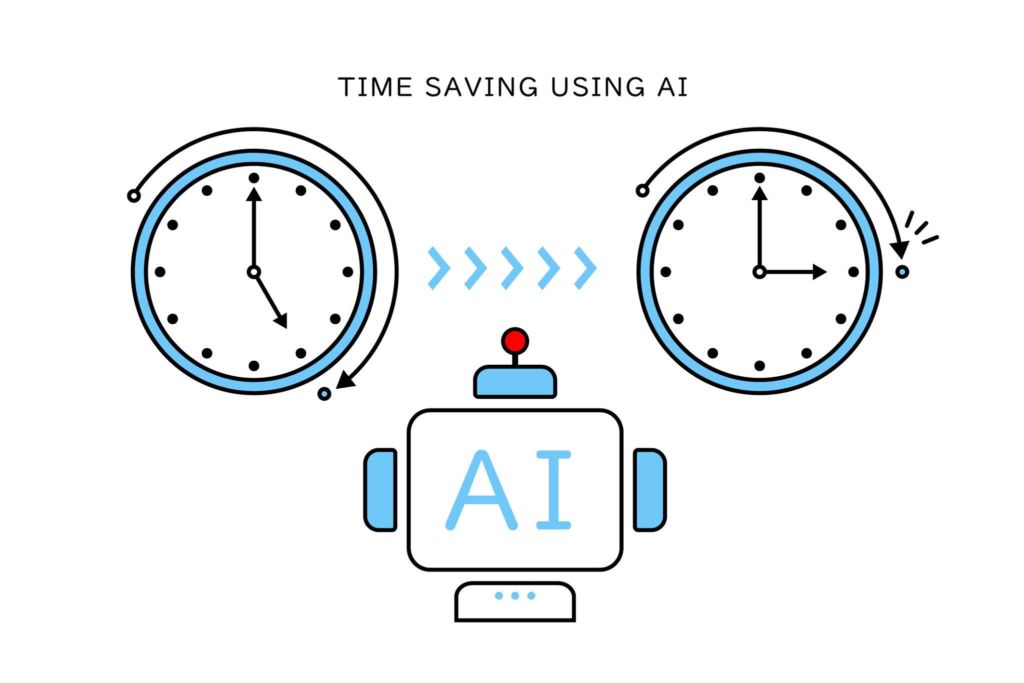
The Problem No One Talks About
AI workflows are one of the most effective ways to save time and improve productivity with artificial intelligence. Instead of relying on a single prompt, AI workflows break tasks into structured steps that produce more consistent and reliable results. In this article, we’ll explore seven AI workflows that can save you more than 10 hours every week.
AI is supposed to save time.
But for most people?
It does the opposite.
You open ChatGPT…
Try a few prompts…
Rewrite them…
Fix the output…
And suddenly a “5-minute task” takes 30 minutes.
Why This Happens
Because you’re using AI like a tool…
👉 Instead of a system.
One prompt = inconsistent results
No structure = wasted time
The Fix: AI Workflows
Instead of asking AI to do everything at once…
👉 Break tasks into repeatable steps.
That’s how you:
- Save time
- Get better output
- Stop starting from scratch
AI workflows are structured processes that use AI tools to complete tasks more efficiently. Rather than relying on a single prompt, workflows guide AI through multiple stages to improve output quality and consistency.
🔥 7 AI Workflows That Actually Save Time
1. Email Writing Workflow
Use case: Client emails, internal comms, outreach
Steps:
- Define context
- Draft email
- Refine tone
- Shorten + clarify
👉 Saves: 30–60 mins/day
2. LinkedIn Content Workflow
Use case: Personal brand, company posts
Steps:
- Define audience + goal
- Generate hooks
- Expand into post
- Refine engagement
👉 Saves: 3–5 hours/week
3. Blog Writing Workflow
Use case: SEO content
Steps:
- Keyword + angle
- Outline
- Section writing
- Optimisation
👉 Saves: 5–10 hours per article
4. Idea Generation Workflow
Use case: Content, campaigns, product ideas
Steps:
- Define topic
- Generate multiple angles
- Filter best ideas
- Expand
👉 Saves: Hours of “blank page” time
5. Research Workflow
Use case: Market research, competitor insights
Steps:
- Define objective
- Generate questions
- Extract insights
- Summarise
👉 Saves: 2–4 hours per task
6. Ad Copy Workflow
Use case: Facebook, Google, landing pages
Steps:
- Define product + audience
- Generate angles
- Write variations
- Optimise for clarity
👉 Saves: 3–6 hours per campaign
7. Workflow Creation Workflow (Meta)
Use case: Any repetitive task
Steps:
- Break task into steps
- Define inputs/outputs
- Assign prompts to each step
- Refine
👉 Saves: Unlimited time long-term
The Pattern Behind All of This
Notice something?
Every workflow:
- Breaks a task into steps
- Uses AI at each stage
- Refines output gradually
👉 That’s the difference.
Why This Saves So Much Time
Because you stop:
- Rewriting prompts
- Guessing what to ask
- Starting from scratch
And start:
- Following a system
- Reusing proven steps
- Scaling your output
The Real Shift
Most people think:
👉 AI = faster typing
But actually:
👉 AI = structured thinking
The Bottom Line
If you’re using AI like this:
❌ One prompt → hope
You’ll waste time.
If you use workflows:
✅ Step-by-step → system
You’ll save hours every week.
Why AI Workflows Save So Much Time
The biggest advantage of AI workflows is consistency. While individual prompts can produce unpredictable results, AI workflows create repeatable processes that save time and improve output quality across marketing, business, content creation, and productivity tasks.
Want These Ready-Made?
Instead of building workflows yourself…
👉 Use pre-built workflows designed for real tasks.
(That’s exactly what we’re building at Promptozia.ai)