

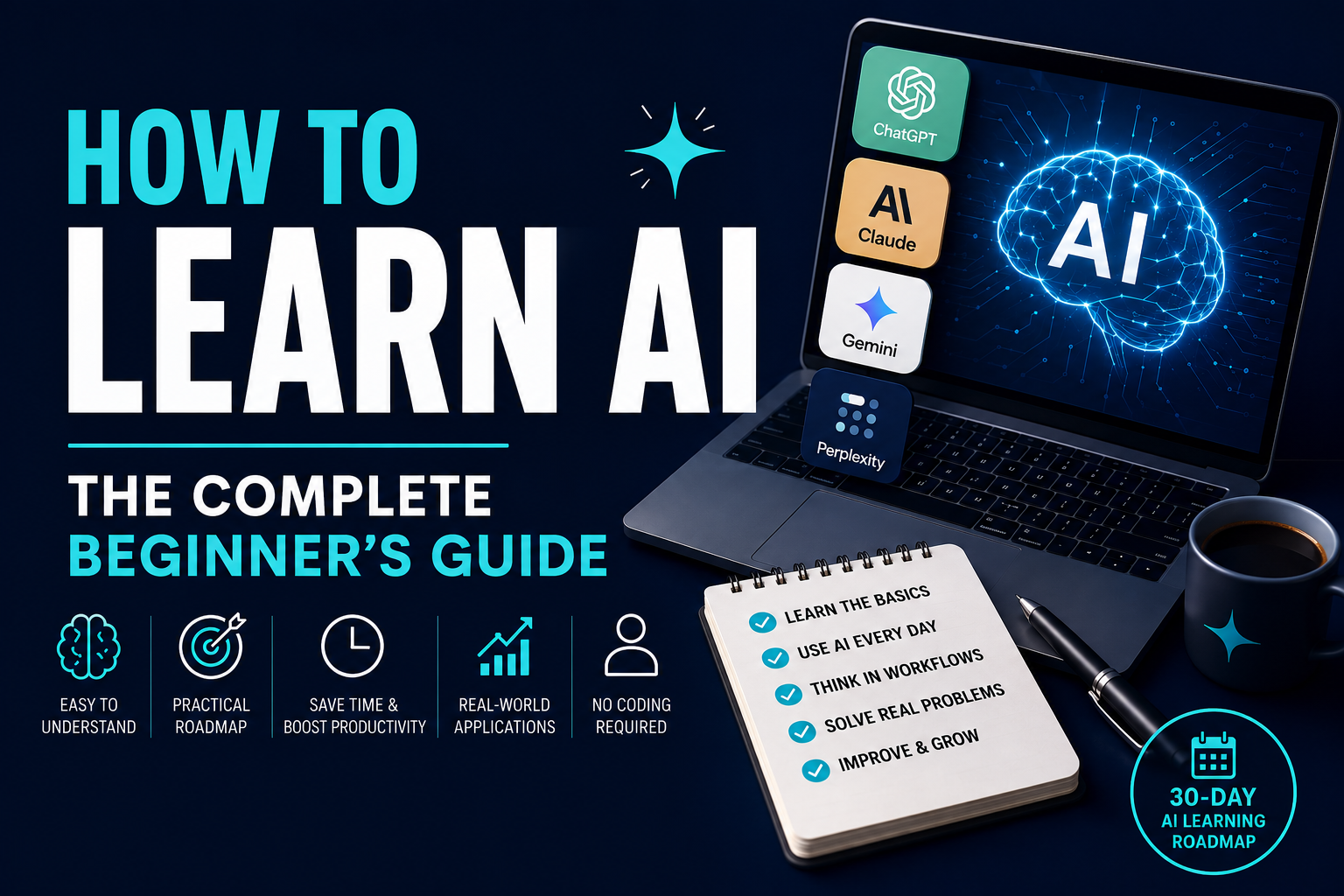
AI Is Moving Fast… But It’s Not Too Late to Start
Artificial intelligence has gone from being a niche technology to one of the most important skills for professionals, business owners, marketers, students, and creators.
Every week there seems to be another AI tool promising to save time, increase productivity, or automate work. ChatGPT, Claude, Gemini, Midjourney, Perplexity, and hundreds of other tools are changing how people write, research, market, design, code, and run businesses.
It’s exciting.
It’s also overwhelming.
Many beginners don’t know where to start.
They wonder:
- Do I need to learn programming?
- Which AI tool should I use first?
- Is ChatGPT enough?
- How long does it take to learn AI?
- What skills actually matter?
The good news is this:
You do not need to become an AI engineer to benefit from AI.
In fact, most people will gain far more value by learning how to use AI effectively than by learning how to build AI models from scratch.
This guide will walk you through exactly how to learn AI in a practical, structured way—whether you’re a complete beginner, a business owner, a marketer, or simply curious about the future of work.
What Is AI?
Artificial intelligence (AI) refers to computer systems that can perform tasks that normally require human intelligence.
These tasks include:
- Writing content
- Answering questions
- Analysing information
- Creating images
- Generating code
- Translating languages
- Summarising documents
- Brainstorming ideas
Modern AI tools don’t replace human thinking.
Instead, they help people complete work faster and more efficiently.
For most users, learning AI isn’t about understanding complex algorithms.
It’s about learning how to work with AI.
Why Learning AI Matters in 2026
AI is no longer optional in many industries.
Businesses are adopting AI to improve productivity, automate repetitive tasks, and help employees make better decisions.
Whether you work in marketing, finance, education, operations, sales, or project management, AI is becoming part of everyday work.
People who understand how to use AI effectively are likely to have a significant advantage over those who don’t.
Learning AI today is similar to learning how to use the internet twenty years ago.
It isn’t a specialised skill anymore.
It’s becoming a fundamental workplace skill.
Do You Need to Learn Programming?
One of the biggest myths about AI is that you need to learn Python or become a software developer.
For most people…
The answer is no.
There are two very different paths:
Path 1 — AI User (Recommended for Most People)
This includes:
- Business owners
- Marketers
- Sales professionals
- Students
- Teachers
- Consultants
- Content creators
- Freelancers
Your goal is to use AI to improve your work.
You don’t need coding.
You need practical AI skills.
Path 2 — AI Developer
This path involves:
- Python
- Machine learning
- Neural networks
- APIs
- Data science
- AI model development
Unless you plan to become an AI engineer, this isn’t where you should begin.
Step 1: Learn One AI Tool Really Well
One mistake beginners make is trying every AI tool they see on YouTube.
Instead…
Master one tool first.
The two best options are:
ChatGPT
Best for:
- General productivity
- Writing
- Brainstorming
- Research
- Business tasks
- Learning
ChatGPT has become the default AI assistant for millions of users because it’s flexible and easy to learn.
Claude
Claude is particularly strong at:
- Long documents
- Strategy
- Writing
- Reasoning
- Document analysis
Many professionals use Claude alongside ChatGPT rather than replacing one with the other.
Don’t worry about mastering ten different AI tools.
Start with one.
Once you’re comfortable, learning additional tools becomes much easier.
Step 2: Learn How to Ask Better Questions
Most beginners think AI is all about prompts.
Prompts do matter…
But not in the way many people think.
Instead of asking:
Write me a blog.
Try asking:
Write a beginner-friendly blog explaining how small business owners can use AI to improve productivity. Use practical examples and avoid technical jargon.
Notice the difference?
Good AI users provide:
- Context
- Objectives
- Audience
- Tone
- Constraints
The more useful information you give AI, the better the response usually becomes.
Step 3: Stop Thinking in Prompts
This is one of the biggest mindset shifts you’ll make.
Most beginners think:
Prompt → Result
Experienced users think:
Problem → Process → Result
Instead of trying to solve everything with one prompt…
Break large tasks into smaller steps.
For example, instead of asking AI to:
Write an entire marketing strategy.
You could ask it to:
- Define the target audience.
- Identify customer pain points.
- Suggest positioning.
- Generate campaign ideas.
- Create content topics.
- Draft marketing copy.
- Refine messaging.
This is called an AI workflow.
Workflows consistently produce better results than single prompts because they guide AI through a logical process.
Step 4: Use AI Every Day
Like any skill, AI improves with practice.
You don’t need to spend hours studying.
Instead, use AI during your normal work.
Examples include:
- Drafting emails
- Summarising meetings
- Planning projects
- Creating presentations
- Brainstorming ideas
- Writing social media posts
- Organising notes
- Researching topics
Even using AI for 20–30 minutes a day can dramatically improve your confidence and skills over time.
The goal isn’t to memorise prompts.
The goal is to develop a habit of working alongside AI.
Step 5: Learn AI by Solving Real Problems
One of the fastest ways to improve is to stop practising on imaginary examples.
Instead, ask yourself:
- What repetitive task do I do every week?
- What takes too much time?
- What process could be improved?
Then use AI to solve that problem.
For example:
A marketer might use AI to create campaign ideas.
A teacher could generate lesson plans.
A project manager might draft project updates.
A business owner could brainstorm new services or improve customer emails.
Learning AI becomes much easier when it’s connected to real work rather than random experimentation.
Step 6: Learn the AI Skills That Matter Most
Many beginners spend weeks learning advanced prompting techniques before they’ve mastered the basics.
A better approach is to build practical skills in the order you’ll actually use them.
Here’s the learning progression I recommend.
1. Writing Better Instructions
Instead of learning complicated prompt engineering, focus on writing clear instructions.
Always answer these questions:
- What do I want AI to do?
- Who is the audience?
- What format do I want?
- What outcome am I trying to achieve?
Clear instructions consistently outperform clever prompts.
2. Critical Thinking
One of the biggest mistakes beginners make is believing everything AI produces.
AI can:
- Miss important details
- Invent facts
- Misinterpret context
- Sound confident while being wrong
Always review outputs before using them professionally.
The best AI users don’t copy.
They evaluate.
3. Workflow Thinking
This is where Promptozia differs from most AI education.
Instead of asking:
“What’s the best prompt?”
Ask:
“What’s the best process?”
Learning workflows allows you to:
- Produce consistent outputs
- Scale repetitive tasks
- Save significant amounts of time
- Reduce prompt rewriting
This mindset shift is often what separates beginners from experienced AI users.
4. AI Tool Selection
You don’t need every AI tool.
You need the right tool for the task.
A simple starting toolkit might look like this:
| ask | Recommended Tool |
|---|---|
| Writing | ChatGPT or Claude |
| Long documents | Claude |
| Research | Perplexity |
| Images | Midjourney or ChatGPT |
| Presentations | Gamma |
| Video | Runway |
| Meetings | Otter.ai |
Mastering a small toolkit is far more valuable than trying dozens of tools.
A Simple 30-Day AI Learning Roadmap
One of the biggest questions beginners ask is:
“Where do I actually start?”
Here’s a realistic roadmap.
Week 1 — Learn the Basics
Goals:
- Create ChatGPT account
- Learn basic prompting
- Practice writing emails
- Summarise articles
- Ask questions daily
Don’t worry about perfection.
Focus on becoming comfortable.
Week 2 — Apply AI to Real Work
Choose tasks you already perform.
Examples:
- Writing reports
- Social media
- Brainstorming
- Planning
- Research
Begin using AI every day.
Week 3 — Learn Workflows
Instead of single prompts:
Break projects into stages.
For example:
Research
↓
Outline
↓
Draft
↓
Review
↓
Improve
↓
Publish
This single habit dramatically improves results.
Week 4 — Build Your Own AI System
Ask yourself:
What repetitive work do I do every week?
Then design an AI workflow around it.
This might include:
- Content creation
- Sales outreach
- Customer support
- Meeting summaries
- Marketing campaigns
- Project planning
Now AI becomes part of your workflow instead of a novelty.
Common Mistakes Beginners Make
Trying Too Many Tools
New AI tools appear almost every week.
Don’t chase them all.
Master one.
Then expand.
Expecting Perfect Results
AI isn’t magic.
Treat outputs as drafts rather than finished work.
Refine them.
Improve them.
Add your own expertise.
Copying AI Without Editing
One reason AI content feels generic is because people publish it exactly as it was generated.
Always:
- Review
- Improve
- Personalise
- Add examples
- Add your own perspective
Forgetting Human Judgment
AI should improve your thinking.
Not replace it.
Your experience, creativity, and decision-making remain your biggest competitive advantage.
Free Resources for Learning AI
If you’re starting today, these are excellent places to learn:
- OpenAI documentation
- Anthropic Claude guides
- Google AI learning resources
- Microsoft Learn AI resources
- Promptozia workflows and guides
The key isn’t consuming endless tutorials.
It’s applying what you learn.
Frequently Asked Questions
How long does it take to learn AI?
Most people become comfortable using AI for everyday work within a few weeks of consistent practice.
Mastering advanced workflows may take longer, but the basics are surprisingly accessible.
Is AI difficult to learn?
No.
Learning to use AI effectively is far easier than learning to build AI systems.
Most beginners can start using AI productively on their first day.
Should I learn ChatGPT or Claude first?
Either is an excellent choice.
ChatGPT offers broad versatility across many tasks, while Claude excels at reasoning, writing, and analysing longer documents.
Many professionals eventually use both.
Do I need to pay for AI?
Free versions are enough to start learning.
As your usage increases, paid plans often provide better models, higher limits, and additional features.
Is prompt engineering still important?
Yes.
But prompt engineering is only one part of effective AI usage.
Learning structured workflows often produces a much bigger improvement.
Final Thoughts
Artificial intelligence isn’t replacing people.
It’s changing how people work.
Those who learn how to use AI effectively will save time, make better decisions, and complete work more efficiently.
The biggest mistake you can make is waiting until everyone else has already mastered it.
Start small.
Practice consistently.
Build simple workflows.
Improve gradually.
Learning AI isn’t about becoming an engineer.
It’s about becoming better at solving problems with the tools available today.
And that’s a skill that will continue to grow in value.
Want to Learn AI Faster?
Instead of relying on random prompts and scattered tutorials…
Explore Promptozia’s structured AI workflows, systems, and practical guides designed to help beginners and professionals use AI more effectively in real-world situations.