

Introduction
How to use ChatGPT for work effectively starts with better prompting, clearer instructions, and structured AI workflows.
Most people are using ChatGPT wrong.
Not because they’re bad at AI.
Because nobody actually taught them how to use it properly.
So what happens?
You open ChatGPT.
You type something like:
“Write me a LinkedIn post about productivity.”
And technically… it works.
But the result feels weird.
Too polished.
Too robotic.
Too generic.
Too obviously AI.
It doesn’t sound like you.
And worse?
Everyone else is posting the exact same thing.
The problem isn’t that AI is bad.
The problem is that most people are using random prompts with zero structure.
That’s why outputs feel bland.
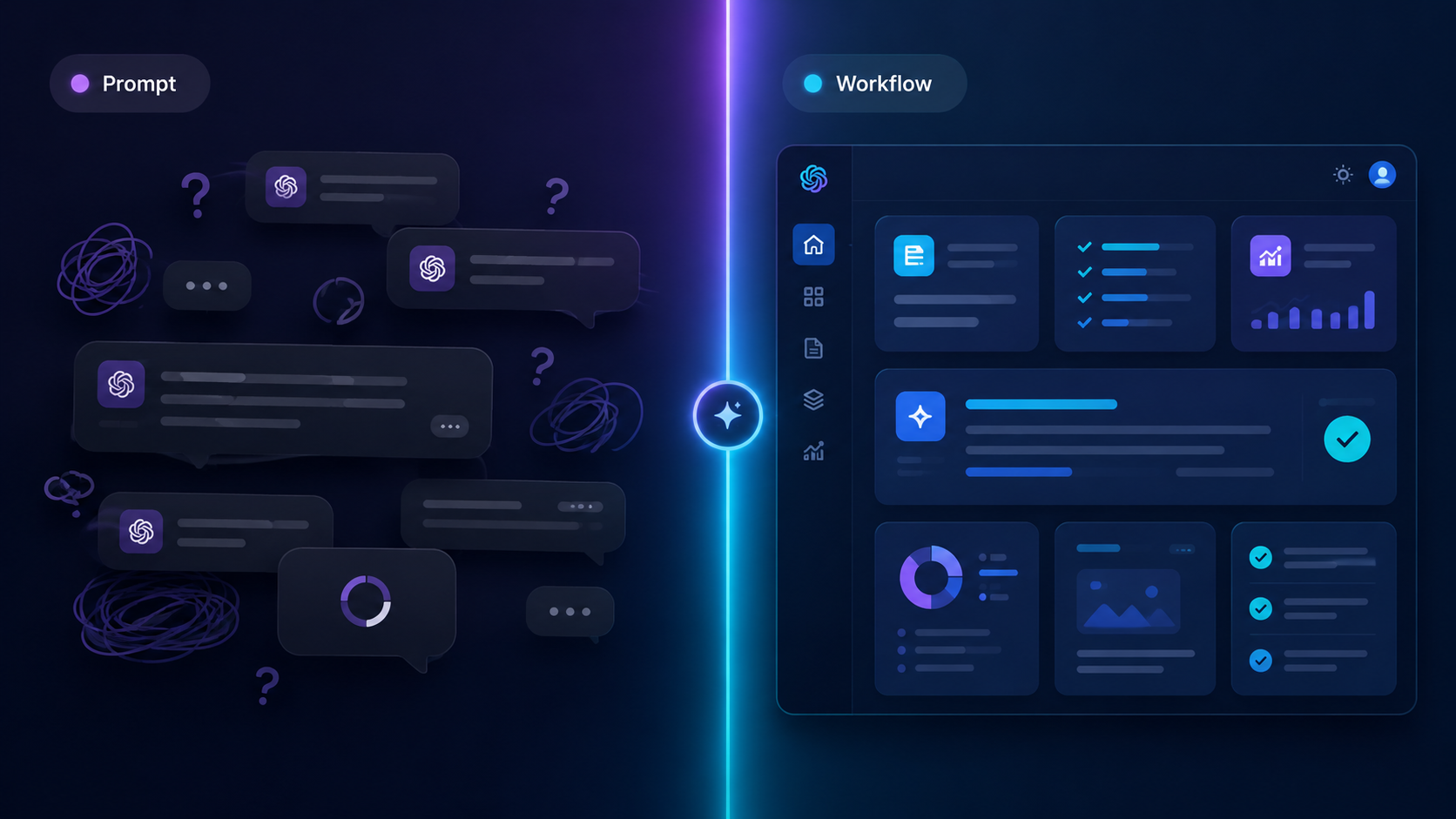
And that’s exactly where workflows become more powerful than prompts.
Why Most People Sound Like AI
AI doesn’t magically “understand” what you want.
It predicts patterns.
So if your input is vague…
Your output becomes generic.
Most people prompt like this:
- “Write a social media post”
- “Make this sound professional”
- “Create an email for my client”
The AI fills in the gaps itself.
And that’s where things go wrong.
Because the AI starts guessing:
- tone
- audience
- structure
- intent
- formatting
- personality
So instead of sounding human…
You sound like every other AI-generated post online.
You can usually spot bad AI content instantly.
It often sounds:
- overly formal
- repetitive
- exaggerated
- emotionally fake
- full of filler words
Things like:
“In today’s fast-paced digital landscape…”
Nobody talks like that.
The Real Problem With Using ChatGPT for Work
The biggest misconception?
People think ChatGPT replaces thinking.
It doesn’t.
It improves thinking.
Good AI usage still requires:
- direction
- clarity
- context
- decision making
AI is a tool.
Not a brain replacement.
Most bad AI outputs happen because:
- the request is unclear
- there’s no context
- there’s no structure
- the AI is expected to “figure it out”
That’s why beginners often get frustrated.
They expected magic.
Instead they got average content.
The people getting incredible results from AI?
They usually use:
- frameworks
- systems
- structured workflows
- repeatable prompting methods
Not random one-line prompts.
What Good AI Usage Actually Looks Like
Good AI users don’t just ask for outputs.
They guide the process.
Instead of saying:
“Write a marketing email.”
They might provide:
- target audience
- offer details
- tone of voice
- CTA
- desired structure
- examples
- constraints
Suddenly the output becomes dramatically better.
Why?
Because the AI has less guessing to do.
Good prompting is really about reducing ambiguity.
The clearer your instructions become…
The better your results become.
Simple.
That’s also why structured workflows outperform random prompts.
A workflow creates:
- clarity
- sequence
- consistency
Instead of relying on luck every time.
Example: Bad vs Better Prompting
❌ Weak Prompt
“Write an Instagram caption about fitness.”
What’s missing?
- Who is it for?
- What tone?
- What goal?
- What format?
The AI has to guess everything.
And when AI guesses… you get average results.
✅ Better Prompt
“Write a short Instagram caption promoting a beginner-friendly fitness coaching program for busy professionals. Keep the tone motivating but not cheesy. End with a soft CTA inviting people to DM for details.”
Now the AI has:
- audience
- context
- tone
- objective
- formatting guidance
The result instantly improves.
Notice something important:
This still isn’t a full workflow yet.
It’s just a better prompt.
A workflow takes this even further.
The Biggest Mistakes People Make
🚫 Mistake 1: Using AI for everything
Not every task should be fully automated.
Sometimes AI should:
- assist
- brainstorm
- organise
- refine
Instead of replacing your entire process.
🚫 Mistake 2: Expecting perfect first drafts
AI outputs usually need:
- editing
- refinement
- human judgment
The first output is rarely the final output.
Professionals iterate.
🚫 Mistake 3: Copy-pasting prompts from TikTok
Most viral “best prompts” are:
- oversimplified
- generic
- missing context
- designed for views, not results
Real-world work usually requires structure.
Not magic phrases.
🚫 Mistake 4: Ignoring workflow design
This is the biggest one.
Most people treat AI like:
input → output
But better results usually come from:
step-by-step workflow systems
That’s the real shift happening right now.
How Workflows Change Everything
A workflow breaks a task into stages.
Instead of:
“Write me a blog post.”
A workflow might go:
- Define audience
- Identify pain points
- Create angle
- Build outline
- Draft sections
- Improve tone
- Optimise CTA
- Final polish
Suddenly:
- outputs become more consistent
- quality improves
- editing time drops
- results feel more human
This is why professional AI users rely on systems.
Not random prompting.
Because workflows create repeatable quality.
At Promptoza.ai, that’s exactly what we focus on.
Not giant prompt dumps.
Structured AI workflows designed for real tasks.
Real Work Examples
Here’s where AI workflows become genuinely useful.
Marketing
- ad copy systems
- content planning
- SEO workflows
- email campaigns
Operations
- SOP creation
- meeting summaries
- process documentation
- reporting systems
Sales
- outreach personalisation
- lead research
- objection handling
- follow-up systems
Content Creation
- scripting
- hooks
- caption writing
- content repurposing
The difference?
The AI isn’t improvising blindly anymore.
It’s following structure.
Final Thought
AI is not magic.
It’s a tool.
And like any tool, the results depend on how you use it.
Most people stay stuck because they rely on random prompts.
The people getting real results?
👉 They use structured systems.
Ready to Get Better Results from AI?
Most people waste hours experimenting with prompts that barely work.
Promptoza gives you structured AI workflows designed to help you:
- create faster
- think clearer
- automate repetitive tasks
- get more consistent outputs
👉 Browse AI Workflows